
The friend in your texts who actually handles it.

 on iMessage & WhatsApp
Pong fits into your life,
not the other way around.














pong easily connects to all of your favorite apps and services. Link them once, and it keeps running in the background, handling the busywork so you don't have to.

It keeps watch, so you don't have to.
tell pong once and it runs quietly in the background: a fare to kyoto, a restock, a renewal about to hit your card. no app to open, no tab to refresh. the only time you hear from it is the moment it actually matters, and then it takes the next step for you.

It works with your people, too.
pong isn't a solo tool. add your friends to your crew and your agents talk to each other behind the scenes: they find the plan, lock the reservation, and get everyone the invite. you just show up.
or drop pong into any group chat, say @pong, and it jumps in, handles the thing, and gets out of the way.
start your crew→
Loved by people who value their time.
told it to watch kyoto under $700 and forgot. three days later it texts me the fare and asks if i want it booked. i said yes from a cab.
dropped pong in our friday thread, @mentioned it once. table booked, invites sent. i didn't open a tab.
i lose emails constantly. texted “where's that visa thing from last week” and it found it. then put the appointment on my calendar.
told it to watch kyoto under $700 and forgot. three days later it texts me the fare and asks if i want it booked. i said yes from a cab.
dropped pong in our friday thread, @mentioned it once. table booked, invites sent. i didn't open a tab.
i lose emails constantly. texted “where's that visa thing from last week” and it found it. then put the appointment on my calendar.
we used to argue about whose turn it was. now someone just texts pong and it splits it and pings whoever's up.
asked it to watch a restock. pinged me at 11pm and i actually got it. never doing that refresh dance again.
my parents are on whatsapp. pong just lives in the chat. they think i'm finally organized.
we used to argue about whose turn it was. now someone just texts pong and it splits it and pings whoever's up.
asked it to watch a restock. pinged me at 11pm and i actually got it. never doing that refresh dance again.
my parents are on whatsapp. pong just lives in the chat. they think i'm finally organized.
it told me when to leave for a 2pm thing i'd already forgotten. like a friend who actually remembers.
added my roommate to crew. now our pongs just figure out dinner. i show up.
almost missed a refund window. it watched the email and pinged me that morning. $180 i would've just eaten.
it told me when to leave for a 2pm thing i'd already forgotten. like a friend who actually remembers.
added my roommate to crew. now our pongs just figure out dinner. i show up.
almost missed a refund window. it watched the email and pinged me that morning. $180 i would've just eaten.

Your second brain.
every message, every task, every preference. pong remembers what you said you'd do - and what you meant to cancel. months of context, and it picks up where you left off, every single time.
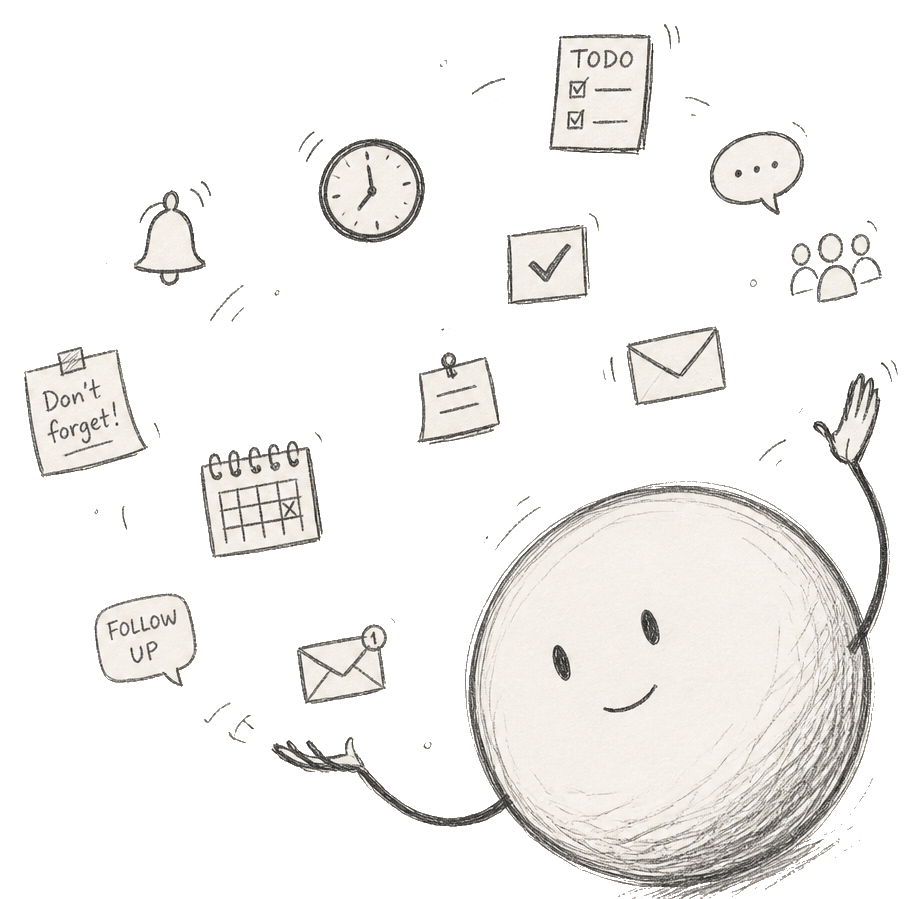
One friend. A dozen things running.
every channel humming at once — you just get the result.

Your own computer.
Not a seat on someone else's.
every pong runs on its own isolated cloud computer: your data, your context, your agent. it's not pooled with anyone, and it's not training a model. that's what makes it safe to actually live in your texts.

Ask pong anything.
a few things people usually want to know before they text.
Text it once. It'll take it from there.
on iMessage & WhatsApp