Your computer
Dashboard tour
Everything at trypong.app/dashboard: home, computer, history, routines, crew, browser and the rest.
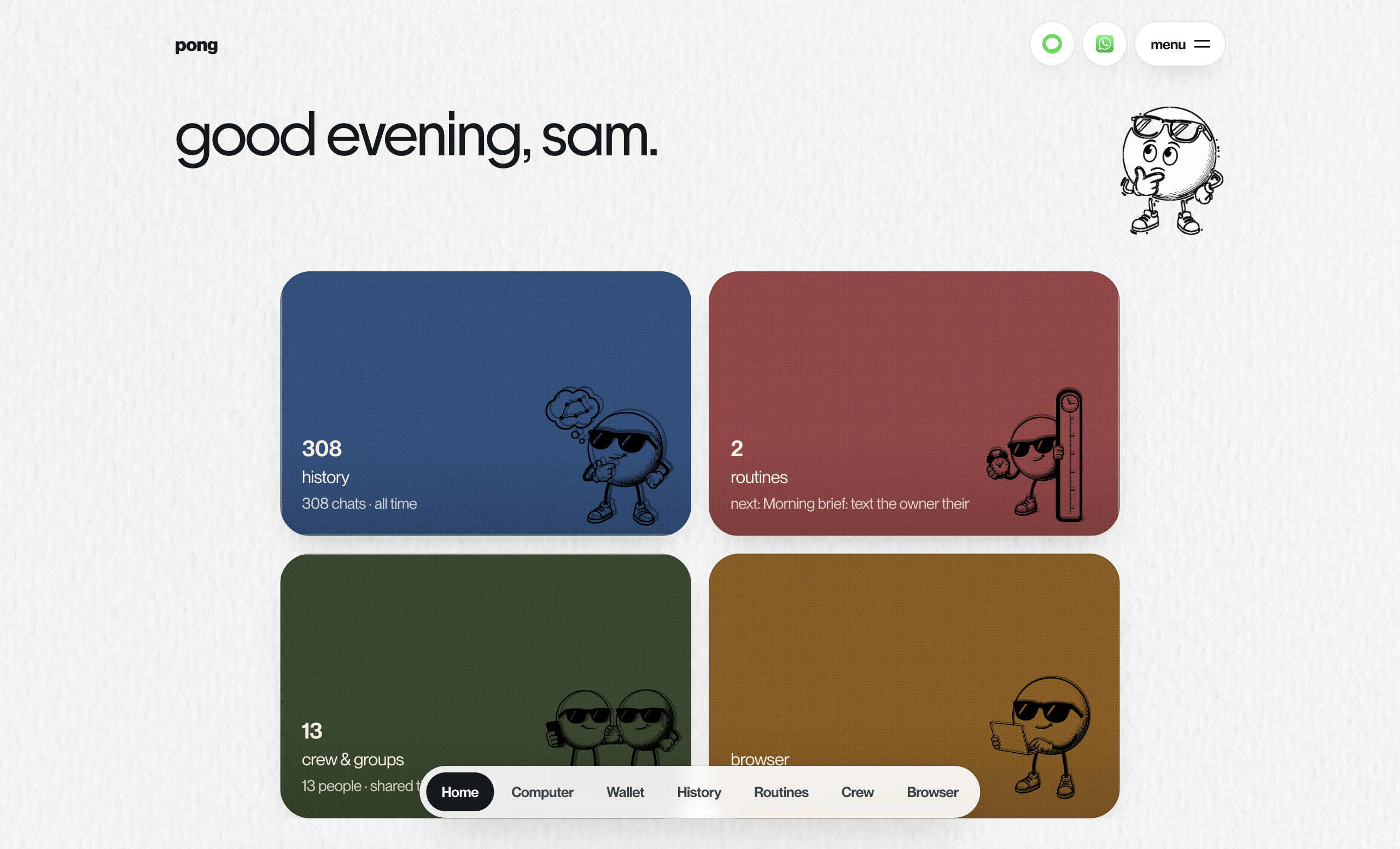
The dashboard is the window into your pong. Sign in at trypong.app/dashboard with your phone number and a one-time code. The bar at the bottom has the main pages; menu at the top right has the rest.
| Page | What's there |
|---|---|
| home | Shortcuts to history, routines, crew and saved logins, a few setup steps, and what pong keeps about you |
| computer | Your API hours, API services with status, logs and stop or start, and Files. See Your computer |
| history | Every conversation with pong, searchable. See Memory |
| routines | Every reminder, routine and watch, with cancel. See Routines |
| crew | Your crew, invites, and the group chats pong is in. See Crew |
| browser | The live browser, take-over, and your saved logins. See The browser and Vault |
| wallet | Pong Cash balance and history, on accounts that have it. See Pong Cash |
| developers (menu) | Secret key, model and env keys. See Developer console |
| connected apps (menu) | Mailbox, GitHub, Slack, Notion, LinkedIn. See Connected apps |
| activity (menu) | What pong did, by channel, the tools it used, and anything still open |
The iMessage and WhatsApp buttons at the top open a chat with pong. Sign out is at the bottom of the menu.
Something missing or wrong? Tell pong, or email founders@vira-labs.com.