Trust and privacy
Vault and logins
How pong signs in to sites for you without ever seeing your password.
When a site needs your account, pong uses a login from your vault. You type the password once, into a private page. After that pong fills it in by reference, and the password never appears in the chat or in what pong reads.
 pong
pongToday 5:30 PM
Save a login for aircanada.com
trypong.app/v/…

How it works#
- 1
pong hits a sign-in
If it has no saved login for that site, it texts you a single-use link on trypong.app and waits.
- 2
You type it in
The page asks for the username and password for that one site. It goes straight into your encrypted vault. The link stops working after that.
- 3
pong carries on
pong is told the login is saved and continues from the sign-in page it was on. It fills the fields by reference. The value is filled into the page directly and scrubbed from anything pong reads back.
- 4
Next time, nothing to do
The browser keeps its session, and the vault keeps the login, so most sites only need this once.
Rules pong follows#
- It never asks for a password in the chat. If you send one anyway, it'll point you to the vault link instead.
- There's no tool that reads a password back out. pong can see which logins exist and their usernames, not the passwords.
- A login goes into a browser field and nowhere else: not a file, not a note, not a message.
- If a saved login stops working, pong says so and sends a fresh link rather than guessing.
- When a site offers "continue with Google" or Apple, pong asks you once whether to use that.
- Verification codes sent to your email are found and typed by pong. Codes from an authenticator app, or a "tap yes on your phone" prompt, are yours to give.
- If you'd rather, you can sign in yourself: take over the live browser on the dashboard and type it there.
See and forget saved logins#
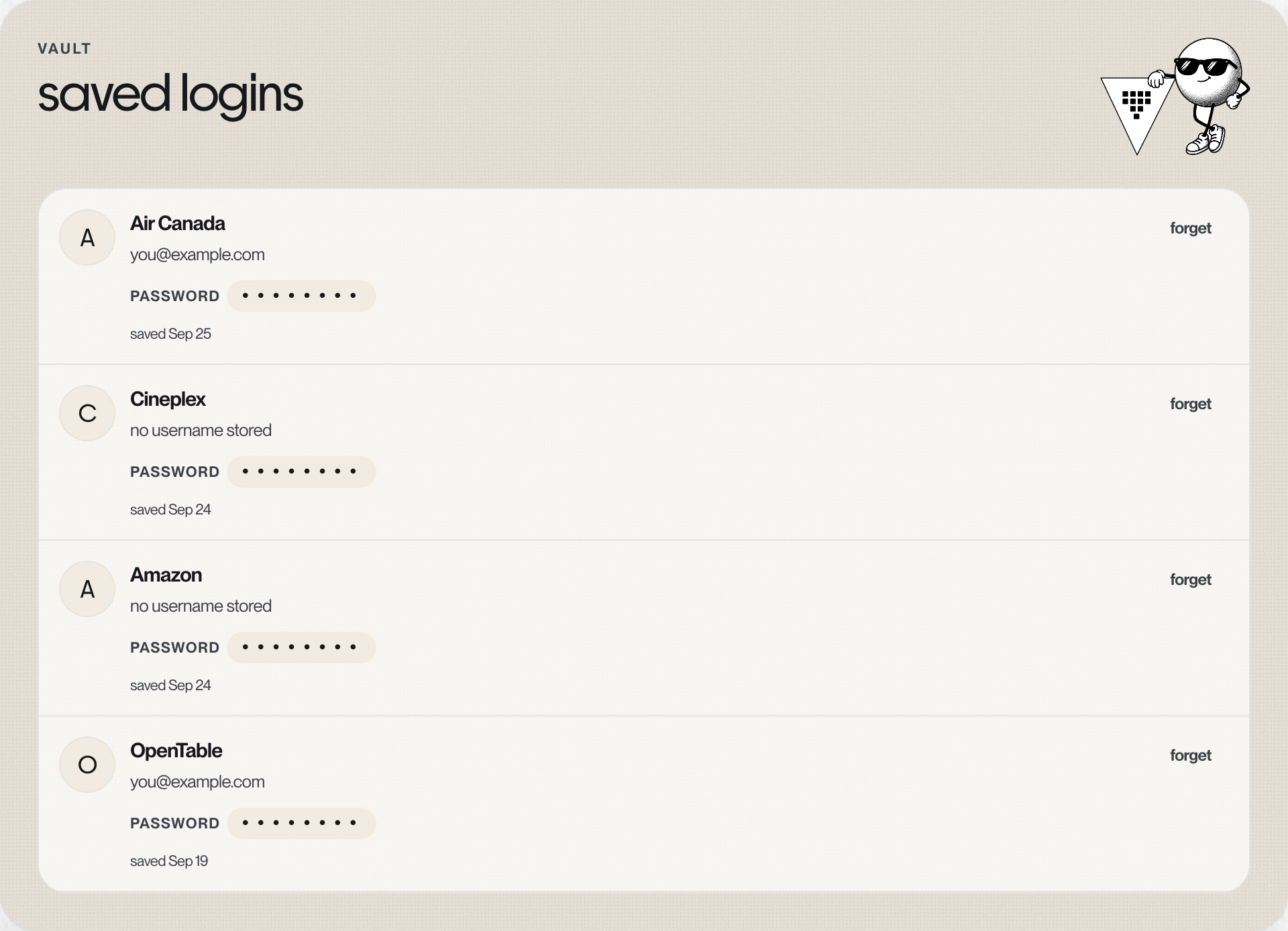
The browser page on your dashboard lists your saved logins with the site, the username and when it was saved. Passwords show as dots. forget deletes one for good. You can also text "what logins do you have?" or "forget my air canada login".
Under the hood#
The vault is a dedicated, encrypted secrets store with access rules per account: your computer can only read your own logins.
Something missing or wrong? Tell pong, or email founders@vira-labs.com.