Things pong does
Routines, reminders and watches
Things pong does on a clock or when something changes, even while your computer sleeps.
Set it once by text. pong keeps a list of everything it should do later: reminders at a time, routines on a schedule, and watches that wait for something in the world to change.
 pong
pongSun 9:12 PM
Mon 7:00 AM

Three kinds#
| Kind | What it is | Say something like |
|---|---|---|
| Reminder | One time, at a time you named or one pong judged from the job | "remind me to call the electrician at 6" |
| Routine | A clock that repeats | "every sunday night, plan my week from my calendar" |
| Watch | Waits for a real change, texts you once it happens, then stops | "tell me when tickets for this show go on sale" |
They run while your computer sleeps#
Routines don't live on your computer. They live in pong's scheduler, which wakes your computer when one is due. So a routine fires on time even if you haven't texted in days.
pong sets some on its own#
When a job needs a later look, pong creates the reminder or watch itself: checking back on a long build, following up when the electrician is due, keeping an eye on a fare you asked it to sit on. You'll see these on your dashboard with the rest.
What a background run can do#
A routine you asked for in your own words runs with your permission, so "every monday at 9, email the team last week's numbers" sends that email. Anything pong set up on its own, and anything triggered by incoming mail, stays on the safe side: it can remind you, draft, check your calendar and start a watch, but it won't pay, buy, send mail or do anything you can't take back.
See and cancel them#
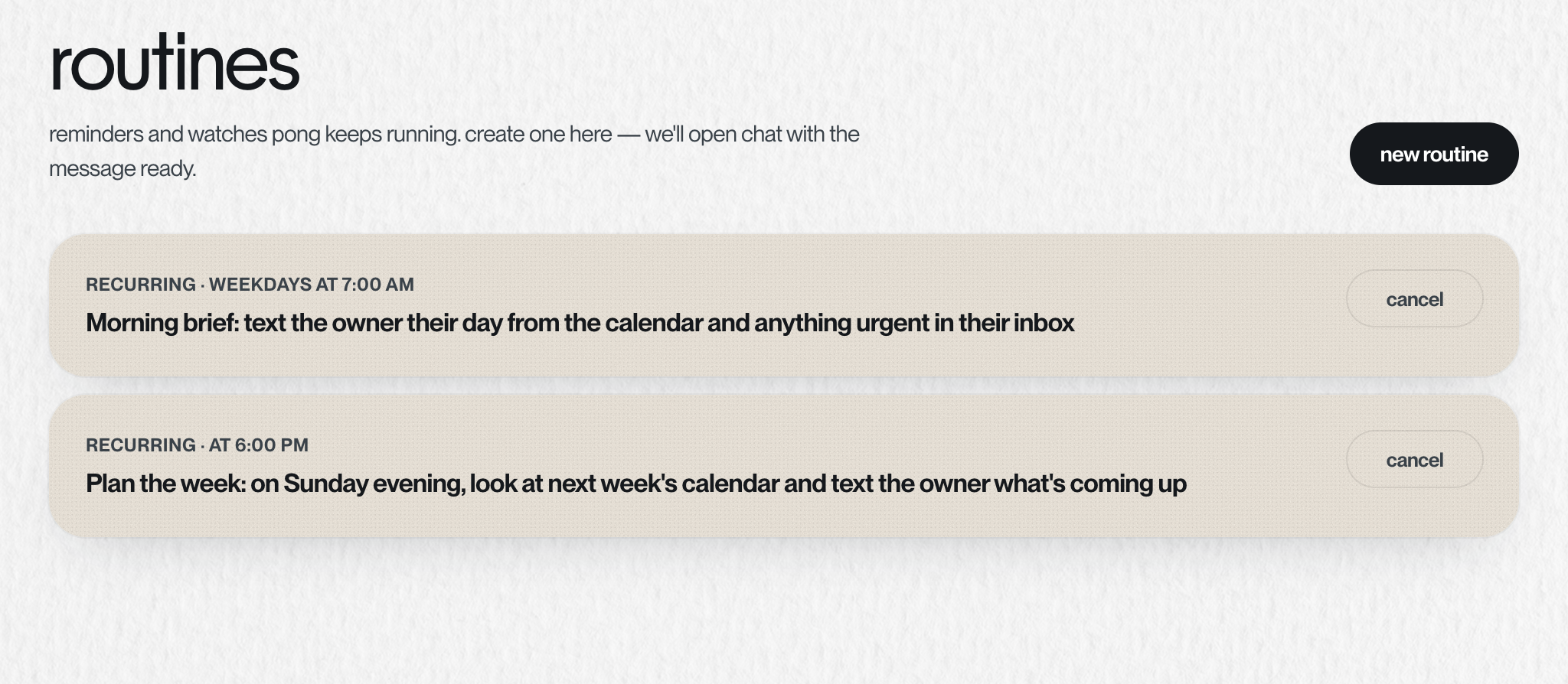
Open routines on your dashboard. Each card shows what it does, when it runs next (or "live" for a watch), and a button to cancel it. New routine points you to text pong, because that's where routines are made. You can also just text "what's running?" or "stop the morning brief".
Something missing or wrong? Tell pong, or email founders@vira-labs.com.