Your computer
Files
Upload, preview, download and organise everything on your pong's computer from the dashboard.
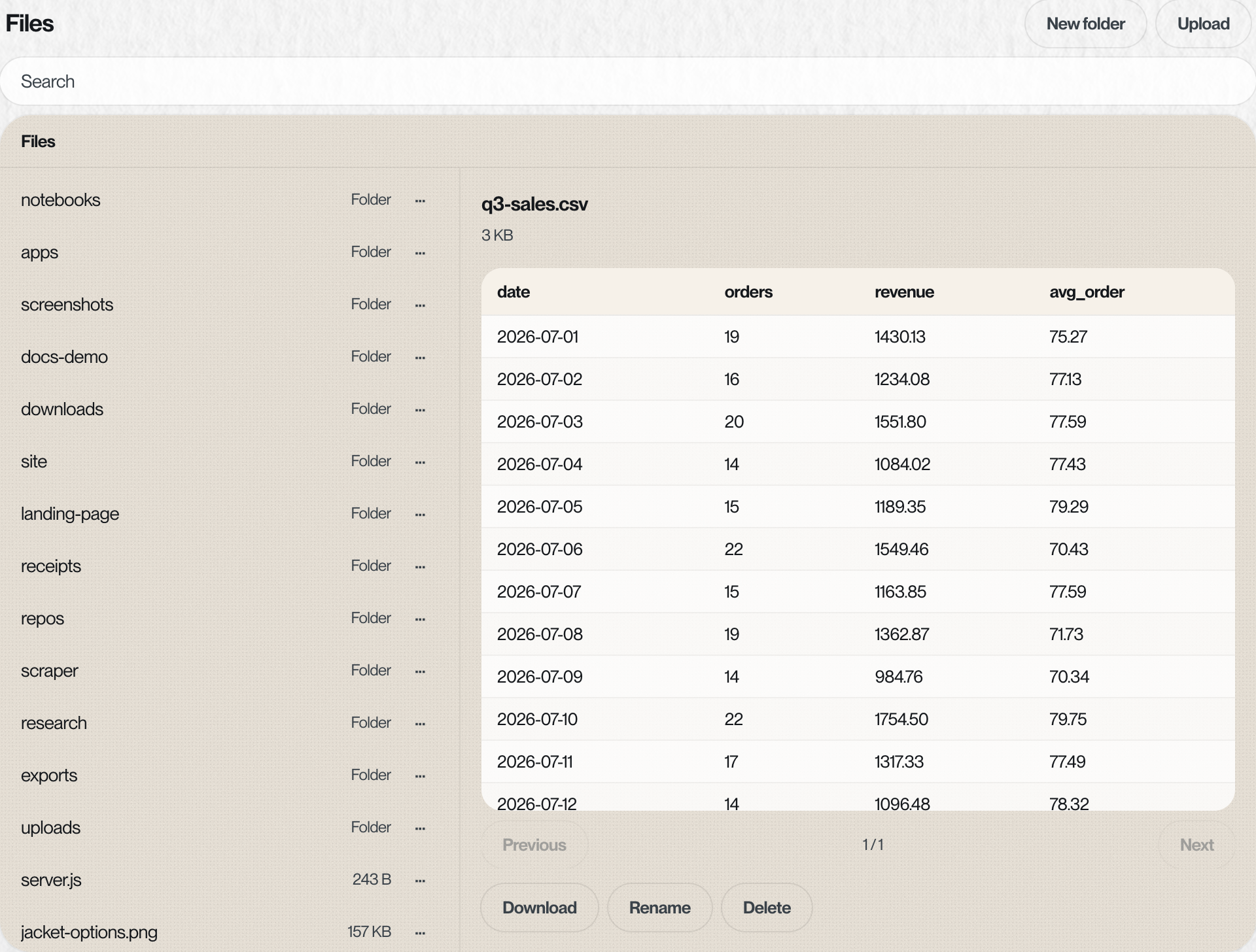
The Files section of the computer page is a file manager for the same folder pong works in. Drop a file in and pong can use it. When pong makes something big, it's there to download.
What you can do#
| Action | How |
|---|---|
| Upload | Upload picks one or more files, or drag them onto the list. A big upload shows its progress |
| Make a folder | New folder |
| Find something | The search box looks through the whole workspace |
| Preview | Tap a file: images, PDFs, CSV and TSV tables, Excel sheets, text and code, audio and video open right there |
| Download | Download in the preview pane |
| Rename or delete | Rename and Delete in the preview pane, or the menu on a row |
- Biggest single file
- 1 GB
- Hidden
- Names starting with a dot stay hidden
- Disk full
- Uploads stop with a message. Delete something, or ask pong to clean up
Hand pong a file#
 pong
pongToday 3:05 PM
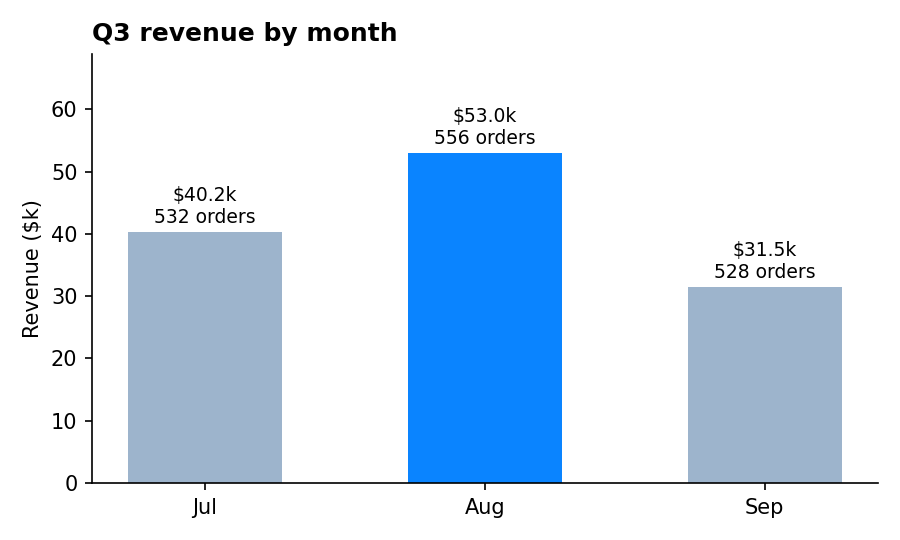

Anything you could text pong (a photo, a PDF) also works by text. Files is for the things that are too big to send over a chat, or that you'd rather drop in from your laptop.
Getting big things back#
Sheets, PDFs, photos and zips that fit in a message, pong sends straight to the chat. A large export, a whole dataset or a folder of downloads stays in Files, and pong tells you where to find it. Download it from the dashboard.
Something missing or wrong? Tell pong, or email founders@vira-labs.com.